TIPS & FAQ
How to Create a Free Wedding Website: Simple Tools for Vietnamese Couples
Your wedding website keeps every guest informed, every RSVP organized, and every detail in one beautiful place — no coding or design skills needed.
Planning a wedding already means juggling a hundred decisions — the last thing you need is another complicated project. But here’s the good news: a wedding website pulls everything together in one shareable link. Guest lists, event schedules, directions, RSVP forms, your love story — all organized, all beautiful, all free.
Whether your guests are in Ho Chi Minh City, Hanoi, or halfway across the world, a well-designed wedding website makes sure nobody misses a detail. Let’s walk through exactly how to create one — step by step, no tech background required.
THE BASICS
Why Every Couple Needs a Wedding Website
A decade ago, wedding websites felt like an extra — something only tech-savvy couples bothered with. Today, they’re practically essential. When you’re coordinating guests across cities (or countries), a single link replaces dozens of repetitive messages, forwarded PDFs, and lost group chat details.
Your wedding website becomes the single source of truth for everything: ceremony time, reception venue address, dress code expectations, accommodation suggestions, and that all-important RSVP button. For Vietnamese couples — especially those with family abroad — it eliminates the chaos of managing information across Zalo groups, email chains, and phone calls.
Beyond logistics, it’s also a chance to share your story. How you met, your proposal, your favorite photos together. Guests love reading these details, and it sets the emotional tone before the big day even arrives.
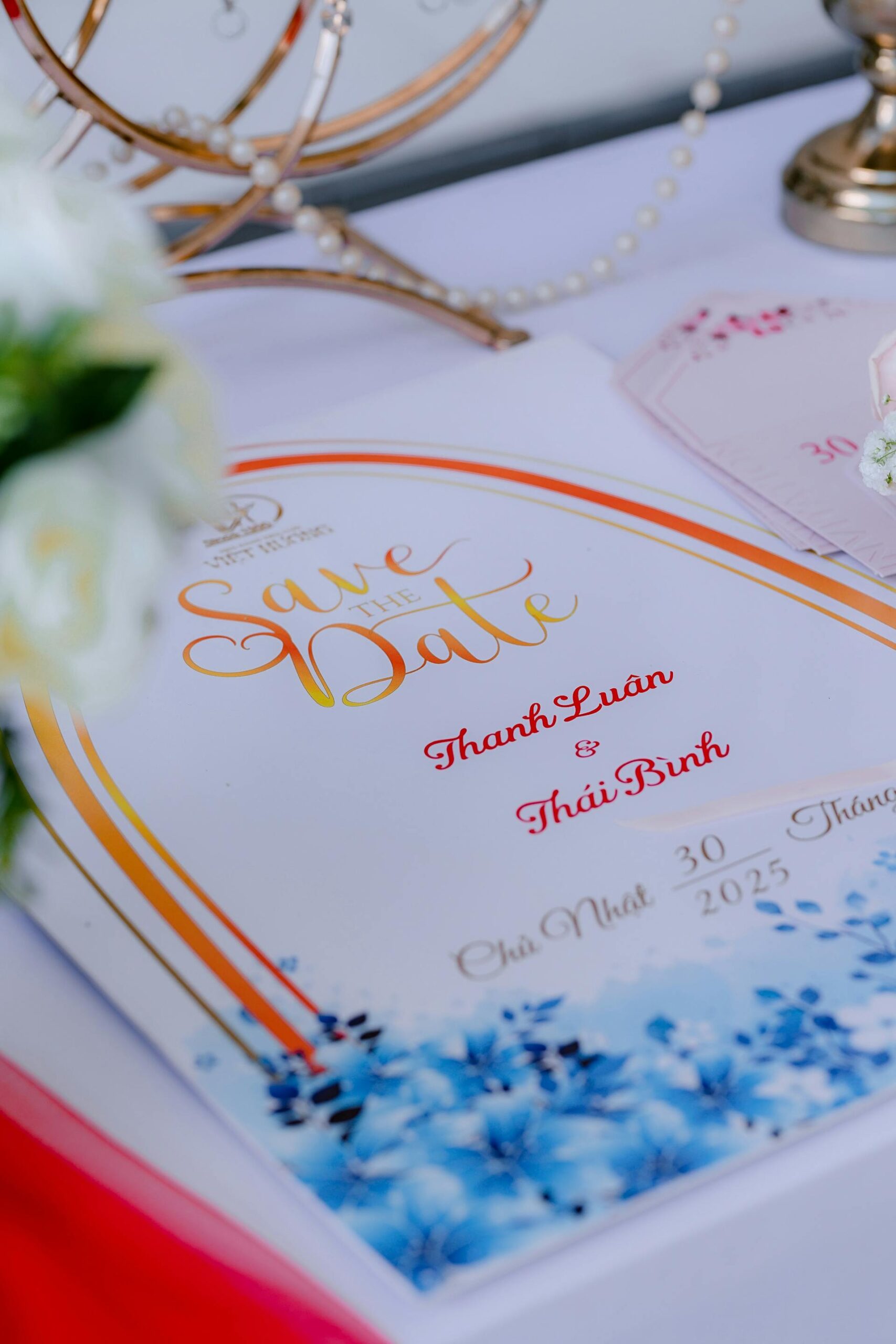
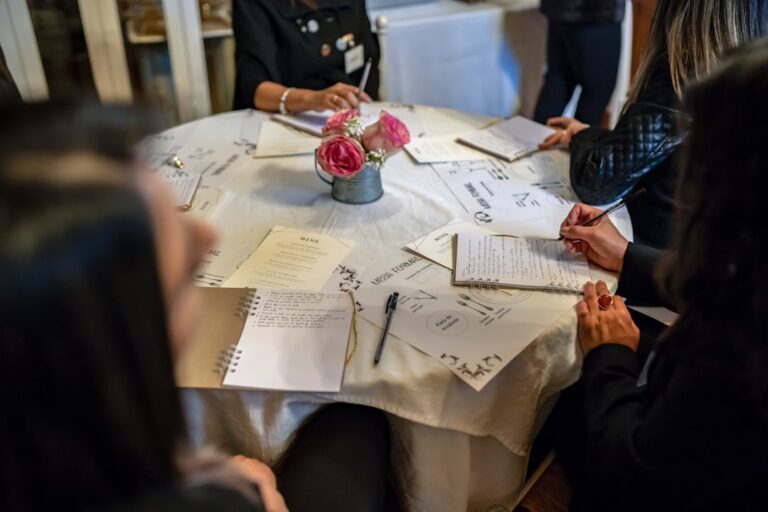
A wedding website replaces stacks of paper invitations with one beautiful, always-updated link
PLATFORM OPTIONS
The Best Free Wedding Website Builders in 2026
You don’t need to hire a developer or learn HTML. Several platforms offer gorgeous templates, drag-and-drop editing, and built-in RSVP tools — completely free. Here are the ones we recommend most often to our couples:
The Knot — One of the most popular choices globally. Clean templates, integrated registry, and a powerful RSVP manager. The free tier covers everything most couples need. If your guest list is international, The Knot handles multilingual navigation well.
Zola — Known for its modern aesthetic and smooth mobile experience. Zola’s website builder feels intuitive even for first-time users. The photo gallery feature is particularly strong, and you can customize colors to match your wedding palette.
Joy — A favorite among couples who want simplicity without sacrificing style. Joy’s free plan includes unlimited pages, RSVP tracking, and even a guest messaging feature. It also supports Vietnamese text beautifully — important if you’re creating bilingual content.
WithJoy — Excellent for managing complex guest logistics. If you have multiple events (tea ceremony, reception, after-party), WithJoy lets you assign guests to specific events and send targeted updates. The free tier is generous.
Free platforms like The Knot, Zola, and Joy offer professional templates without any cost
ESSENTIAL CONTENT
What to Include on Your Wedding Website
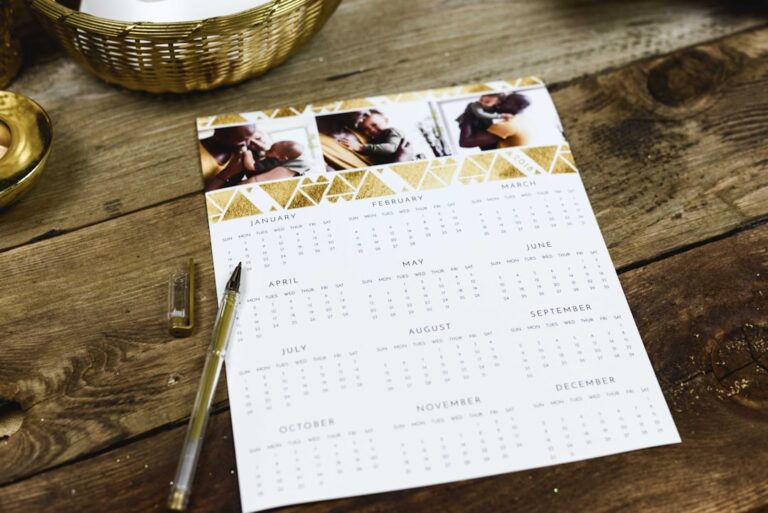
A great wedding website isn’t just pretty — it’s useful. Start with the must-haves: your names, wedding date, and a countdown timer that builds excitement every time someone visits. Then layer in the practical details your guests actually need.
Event schedule — List every event with time, venue name, and address. If you’re having a tea ceremony in the morning and a reception in the evening, make each event a separate section with its own map link. Guests in unfamiliar cities will thank you.
RSVP form — This is the most important functional element. Keep it simple: name, number of guests, meal preference (if applicable), and a field for dietary notes. Most platforms auto-compile responses into a spreadsheet you can export.
Travel and accommodation — Especially crucial for destination weddings or out-of-town guests. Include hotel recommendations at different price points, airport-to-venue directions, and any group booking codes you’ve arranged.
Your love story — This is where your website becomes personal. Write a short timeline of your relationship — how you met, your first date, the proposal. Add your favorite couple photos. It doesn’t need to be long; even three or four paragraphs make guests feel connected to your journey.

Your love story section adds a personal touch that guests genuinely enjoy reading
DESIGN GUIDE
Design Tips That Make Your Website Look Professional
You don’t need a design degree to create something beautiful — but a few intentional choices make the difference between a generic page and one that feels unmistakably yours.
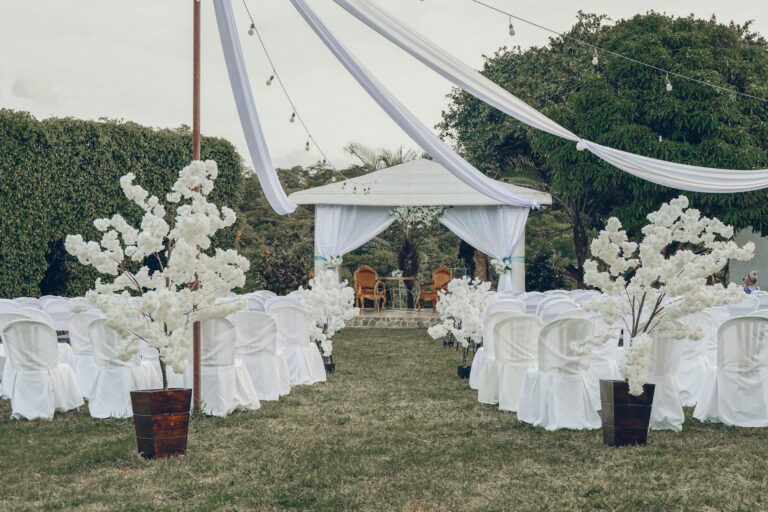
Choose one color palette and stick to it. Pull two or three colors from your wedding theme. If your décor is dusty rose and sage, use those same tones on your website. Consistency across touchpoints — invitations, website, signage — creates a polished, cohesive feeling.
Use high-quality photos. Your pre-wedding shoot images are ideal. If those aren’t ready yet, use two or three candid engagement photos rather than dozens of blurry snapshots. One stunning hero image does more than ten mediocre ones.
Keep text concise. Guests scan websites on their phones between meetings. Write short paragraphs, use clear headings, and put the most important information (date, venue, RSVP) above the fold. If they have to scroll through five paragraphs to find the address, you’ve lost them.
Test on mobile. Over 80% of your guests will open this link on their phone — probably from a Zalo or Messenger chat. Before sharing, check every page on your own phone. Does the RSVP form work? Are photos loading? Is the text readable without zooming?
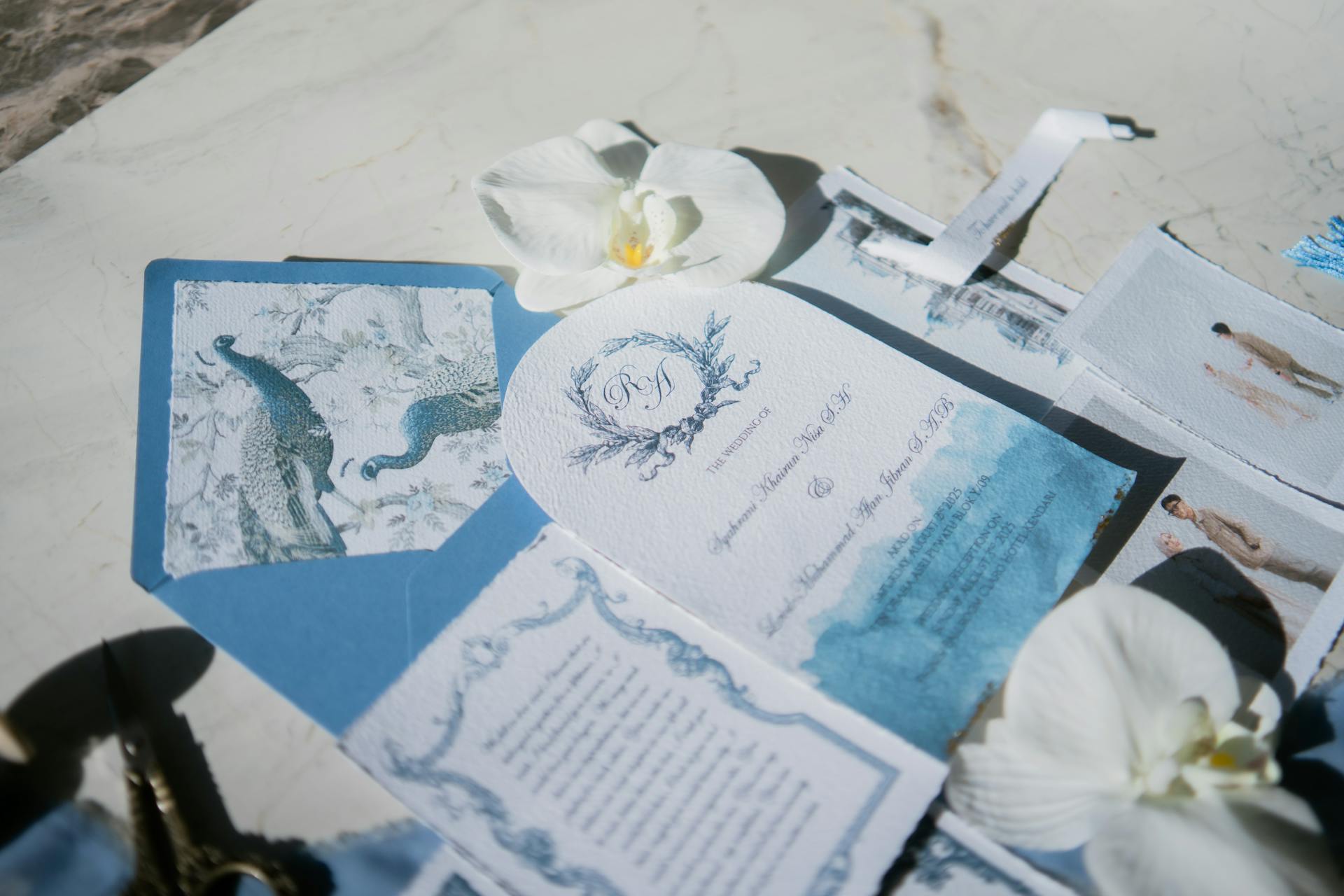
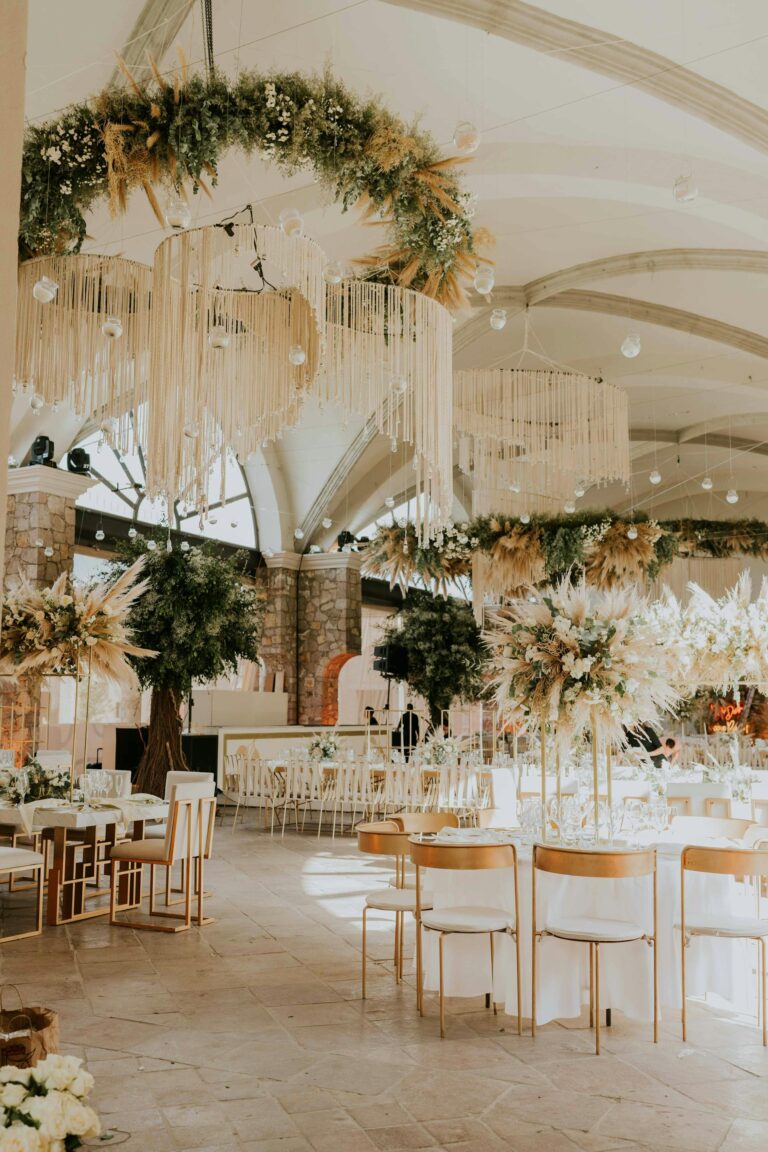
A cohesive color palette and clean typography make your wedding website feel intentional
LAUNCH & MANAGE
How to Share and Manage Your Wedding Website
Your website is live — now what? Sharing it effectively matters just as much as building it. Most platforms give you a custom URL (like yourandpartner.theknot.com). Some let you choose a custom domain, though that usually costs extra.
Share the link everywhere. Add it to your digital invitations, Zalo group descriptions, Instagram bio, and email signatures. Some couples create a simple QR code that links to their website and print it on physical invitations — a smart bridge between traditional and modern.
Set RSVP deadlines. Give guests a clear deadline — typically four to six weeks before the wedding. Most platforms let you close the RSVP form automatically after the cutoff date. Send a gentle reminder one week before the deadline through your website’s built-in messaging or a personal follow-up.
Keep it updated. Your wedding website isn’t a set-it-and-forget-it project. Update it as details are finalized: parking instructions, weather contingency plans, last-minute schedule changes. Guests should trust that the website always has the latest information.
Once your site is live, keep it updated — guests should trust it as the single source of truth
EXPLORE MORE
Wedding Trends 2026 in Vietnam · DIY Wedding: Pros and Cons · Complete Wedding Checklist
RELATED ARTICLES
More helpful guides for your planning journey
THE WHITE PLANNER
Your Story. Our Stage.
Planning a wedding in Vietnam is a journey of culture, creativity, and celebration. The White Planner brings clarity, beauty, and calm to every step — so all you need to do is show up and say yes.